AI vs No-Code vs Low-Code: Choosing the Right MVP Path
Launching an MVP is a race against uncertainty. The trick is picking a build path that balances speed, risk, and future change. Here's a practical lens for enterprise and API-first teams weighing AI, no-code, and low-code development.
When AI-first wins
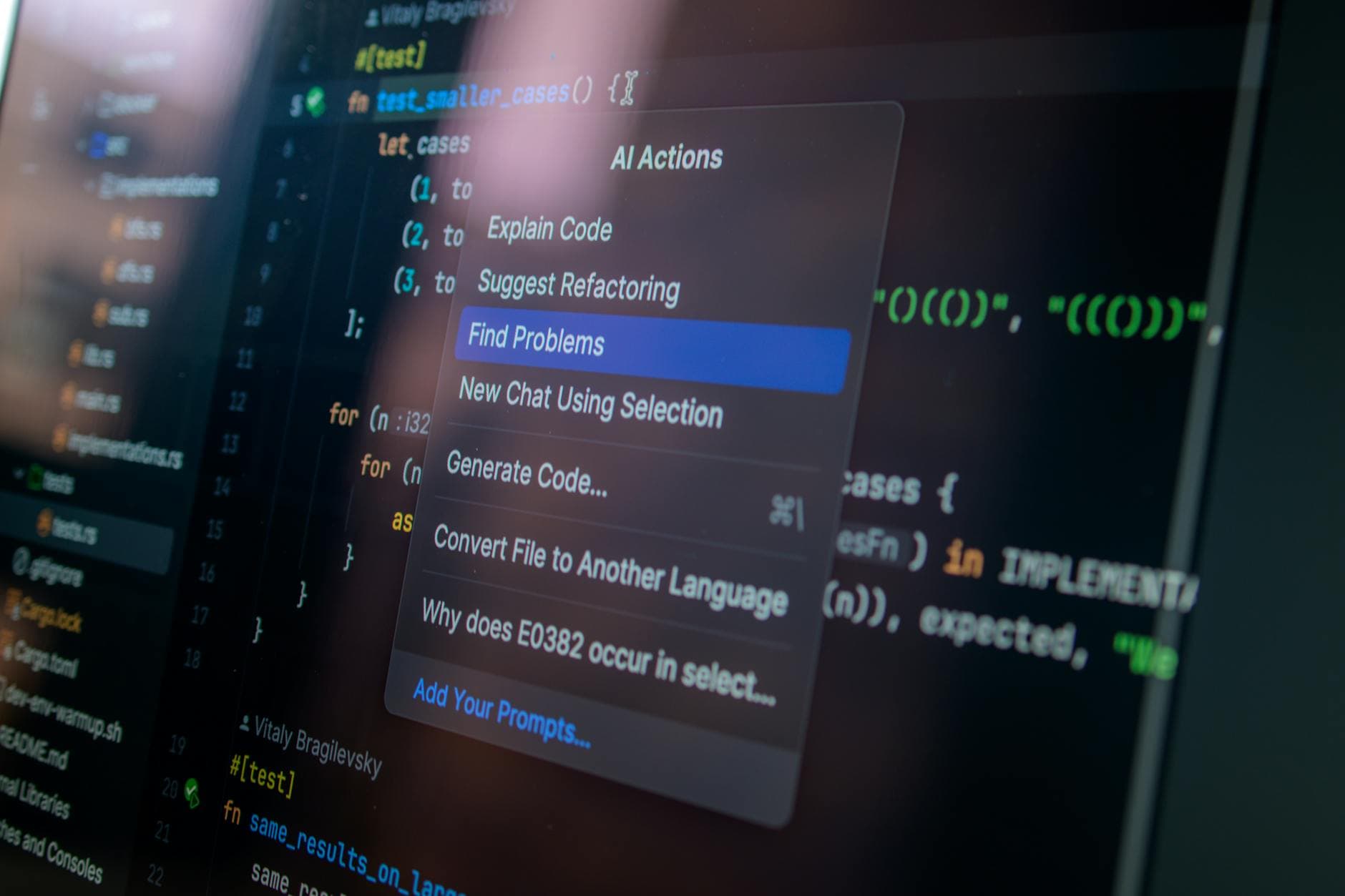
An AI website generator shines when your product's value rests on rapid content, scaffolded layouts, and data-driven onboarding. Use it to create landing flows, stub dashboards, and synthetic datasets. Pair it with an authentication module generator to get SSO, MFA, and role policies without hand-rolling boilerplate.
Green flags: ambiguous requirements, tight demo timelines, and lots of copy or schema you can iterate via prompts. Red flags: strict compliance boundaries, complex offline logic, and deterministic SLAs.
When no-code fits
No-code suits internal tools and pilots with business-owned workflows. You'll ship forms, approvals, and integrations quickly, validate pricing, and learn usage patterns. Budget time for governance: data residency, audit trails, and vendor lock-in. If you need on-call observability, confirm logs, webhooks, and rollback support upfront.
When low-code development is right
Choose low-code development when your MVP must plug into existing APIs, enforce domain rules, and scale without a rewrite. Compose screens visually, then drop to code for custom connectors, feature flags, and performance hotspots. Treat it as a long-term chassis, not a throwaway prototype.
Security and auth realities
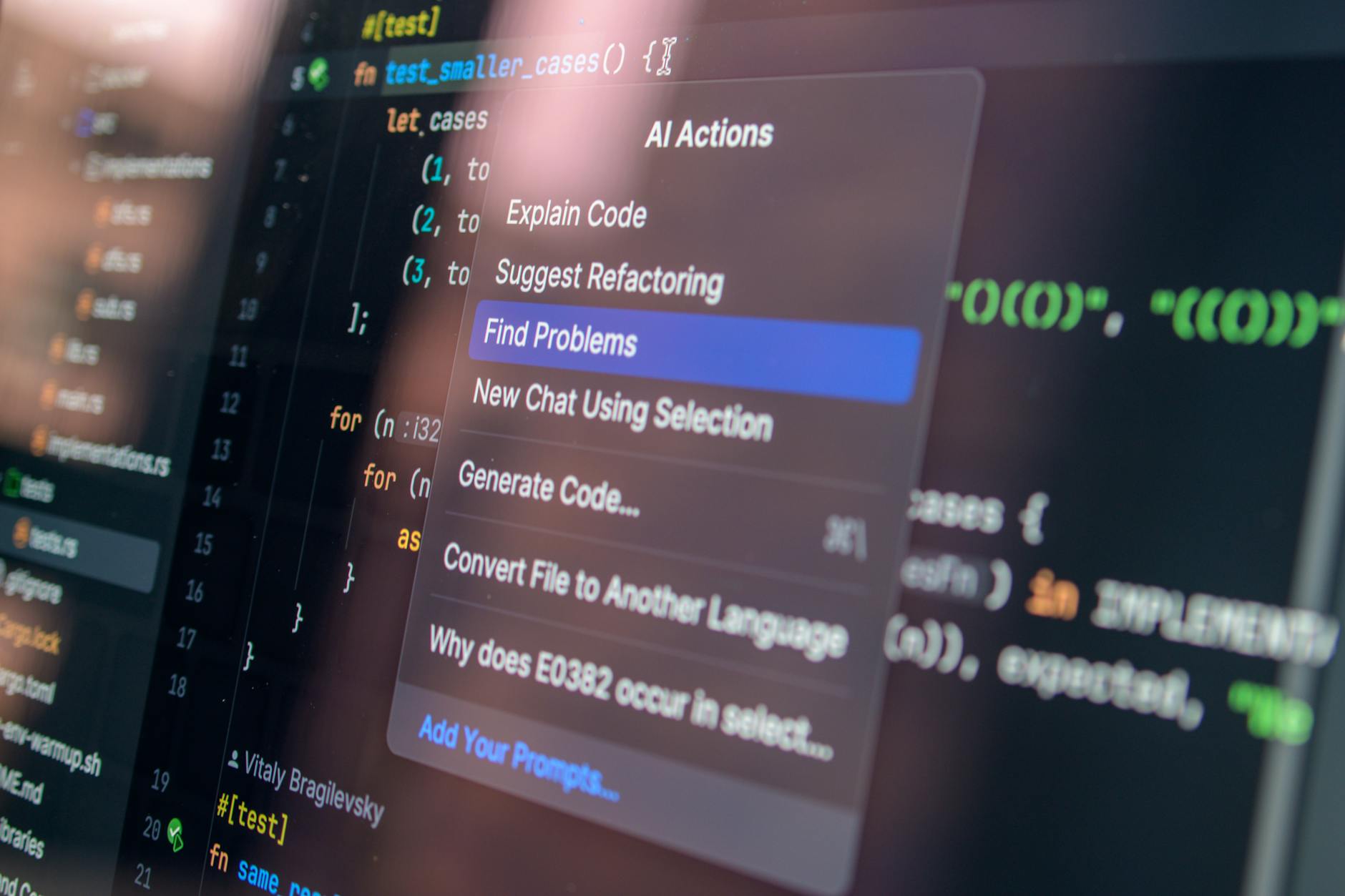
Authentication is never "later." Start with an authentication module generator that supports OAuth2, SAML, SCIM, and tenant isolation. Automate least-privilege roles and capture consent logs. Your future SOC 2 auditor will thank you.
Decision guide
- If you need a pitch demo in 48 hours: AI website generator plus mock APIs.
- If ops can live in a spreadsheet metaphor: pick no-code, enforce naming and retention rules.
- If compliance, integration depth, and performance matter: go low-code, codify contracts and tests.
- If unknowns are huge: start AI, switch layers as requirements solidify.
10-day pilot plan
- Day 1: Define KPI, guardrails, and data boundaries.
- Days 2-3: Generate UI and flows with AI; wire a fake service bus.
- Days 4-6: Move durable pieces into low-code; add typed models and tracing.
- Day 7: Drop in auth generator; enable SSO, MFA, and audit events.
- Days 8-9: User tests; benchmark P95 latencies and error rates.
- Day 10: Kill, keep, or harden; document migration path and costs.
Bottom line: match uncertainty to flexibility. AI buys speed, no-code buys ownership, and low-code buys longevity. Blend them deliberately, and your MVP becomes a stepping stone-not technical debt.
Pro tip: lock performance budgets early, codify API contracts, and track build costs daily. These habits travel well across AI, no-code, and low-code development lifecycles for resilient teams.


