Design-to-code with AI: Tailwind UI components that ship
Enterprises want design velocity without sacrificing code quality. Here's a pragmatic playbook for generating clean Tailwind UI using AI-fast enough for product teams, strict enough for security and accessibility.
Prompt patterns that produce maintainable Tailwind
- Constrain outputs: "Use Tailwind only, no inline styles, no CSS files. Mobile-first. Dark-mode via class."
- Express semantics: "Use <nav>, <button>, aria-expanded, focus-visible. No div soup."
- Include data shape: "Card fields: avatarUrl, title, meta[], ctaHref. Render when present."
- Specify variants: "States: default, hover, active, disabled; sizes: sm, md, lg; color: primary, neutral."
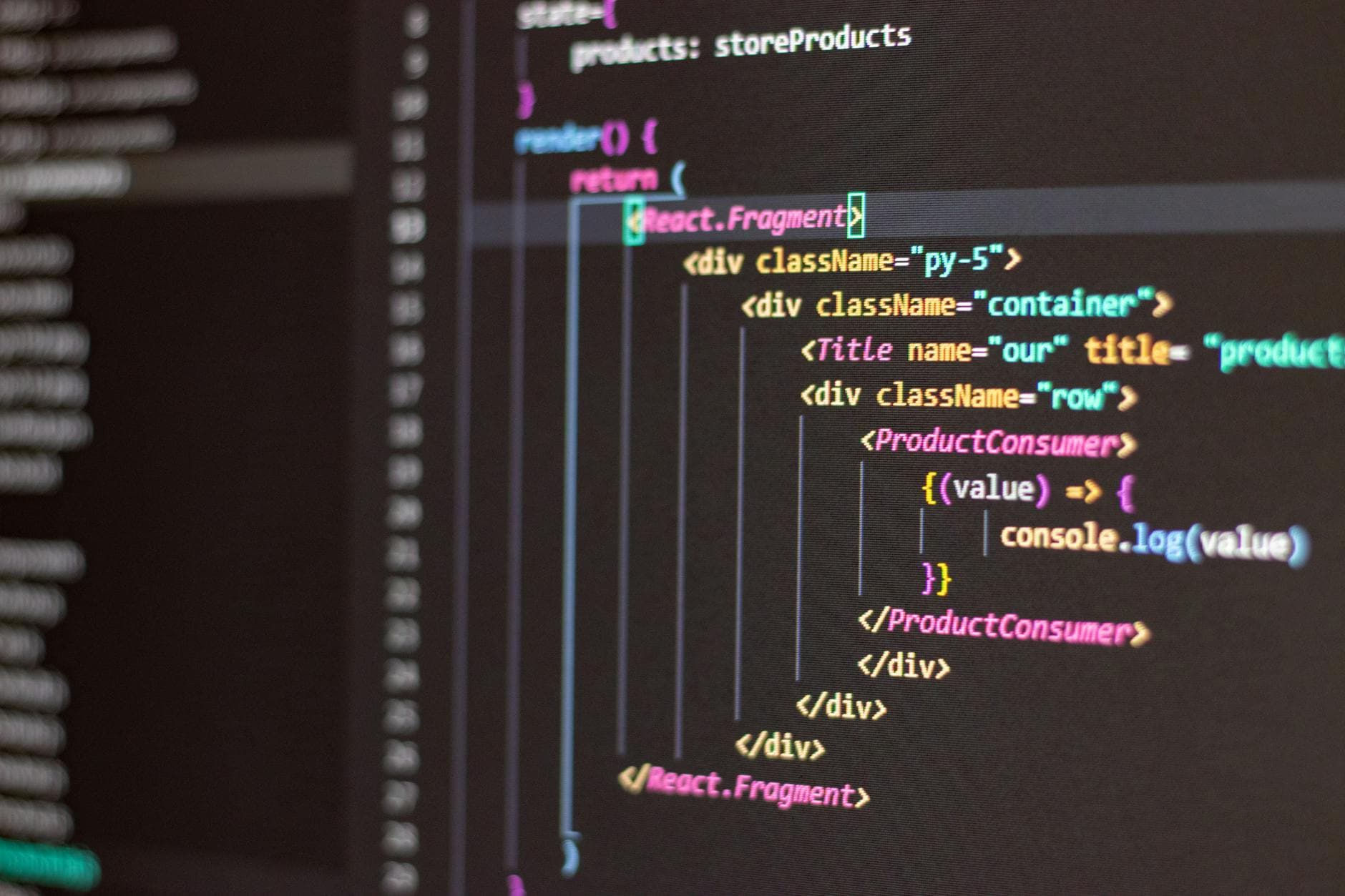
- Guard for frameworks: "Return React with TypeScript and headless behavior; no external UI libs."
Design tokens, meet Tailwind
Map brand tokens to Tailwind via config once, then force AI to reference tokens, not raw hex. Example: "Use text-brand-600, bg-surface-100, shadow-elevation-md." Lock spacing and typography scales to avoid drift.
- Provide a component glossary with allowed props and examples.
- Add negative examples to prevent anti-patterns (e.g., absolute centering for layouts).
Workflow blueprint
- Handoff: Export Figma JSON or describe frames precisely: grid, spacing, constraints, interaction notes.
- Generate: Ask for minimal component first, then variants, then composition.
- Refine: Request "diff-only" updates to avoid code churn.
- Validate: Run eslint, tailwind-merge, and Playwright a11y checks automatically.
Real use-cases
- Portfolio website builder AI: Generate profile cards, project grids, and case-study timelines with content slots and MDX-ready sections.
- Job board builder AI: Produce filterable listings, saved searches, and application modals with semantic forms and keyboard traps tested.
- Internal dashboards: Data tables with sticky headers, density variants, and skeleton states tied to loading signals.
Nocode vs low-code vs AI app builder
- Nocode: fastest for marketing, but limited in token control; export HTML and retrofit with Tailwind classes via AI cleanup pass.
- Low-code: best for enterprise governance; generate components as library packages with typed props and Storybook docs.
- AI builder: orchestrate generation via API; queue prompts, diff outputs, and auto-publish to a component registry.
Quality and accessibility
- Enforce color-contrast with tokens; prefer data-[state] attributes over class sprawl.
- Keyboard-first testing: tab order, roving tabindex, ESC to close, focus return.
- Internationalization: reserve space for longer strings and RTL flips.
Production hardening
- Performance: prefer group/peer states, avoid nested shadows, hydrate only interactive islands.
- Security: content sanitization for user HTML, CSP ready class whitelists, dependency pinning.
API orchestration tips
- Version prompts and Tailwind config; tag outputs with git SHAs.
- Cache generations by prompt hash; retry with backoff on 429s.
- Use embeddings to select component exemplars before prompting.
- Run visual regression on states and themes; fail builds on diff thresholds.
- Log prompt, model, and temperature alongside lint and test results for audits.
Ship a library, not fragments. Standard prompts, token-driven Tailwind, and automated checks turn AI output into reliable, enterprise-grade components.